Note: You Scan the Cable Channels only when a Cable line or cable box is connected to the TV with a Coaxial cord...
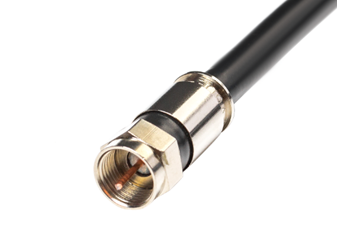
Please follow the below procedure to perform a Channel Scan
STEP 1: Ensure the Television is on the Home Screen. On the Home Screen Scroll down to Inputs and select Channels
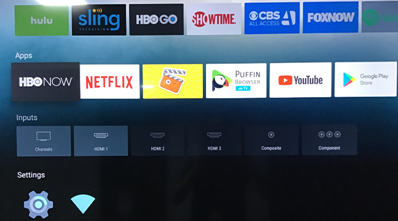
STEP 2: Upon selecting Channels, Television will display the following Screen. Once on this screen press the Menu button on the TV remote
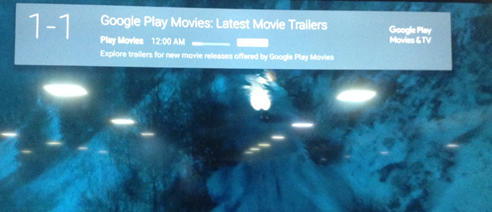
STEP 3: Selecting the Menu will display TV Options
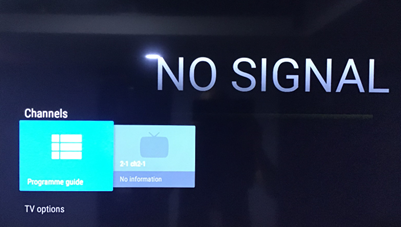
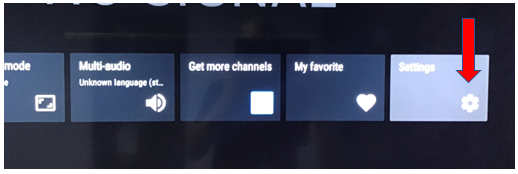
STEP 4: Select TV Options, Scroll across and select Settings
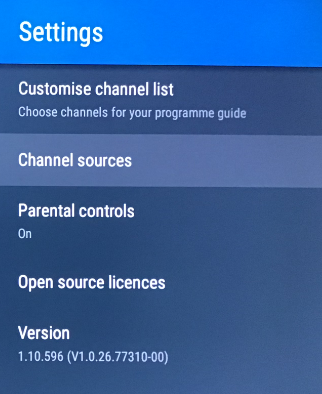
STEP 5: Under Settings select Channel Sources
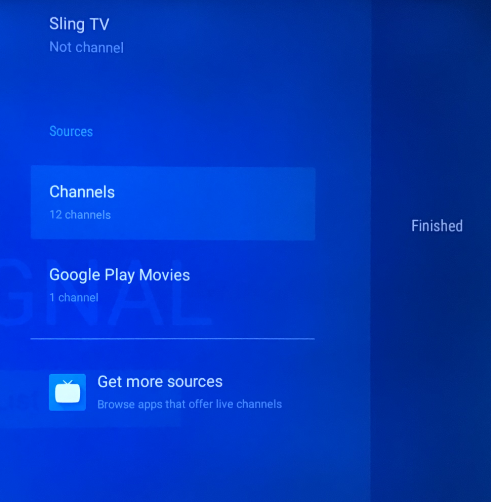
STEP 6: Select Channels
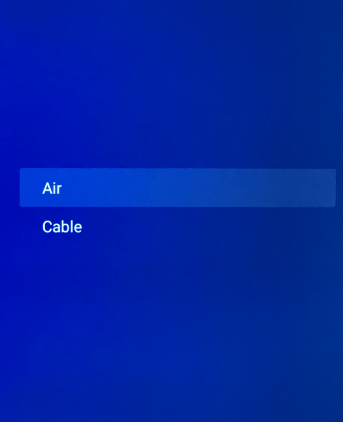
STEP 7: Select CABLE to scan Cable Channels
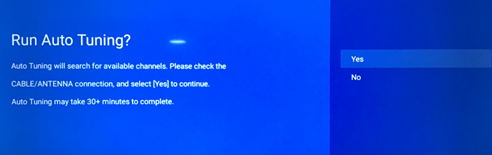
Step 8: Select YES to start scanning
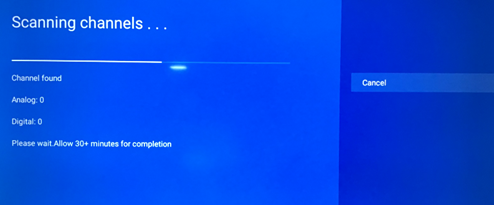
Channel Scanning will take a few minutes. Please do not interrupt the Scanning Process.