Connection Type 1:
TV connected to Cable Box or a Cable line connected to the TV with a Coaxial Cord
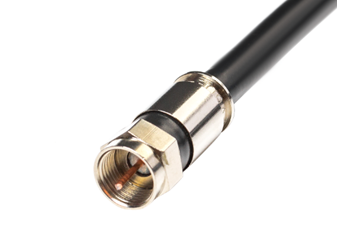
STEP 1: Press the SOURCE button on the TV Remote to select the SOURCE/INPUT to TV
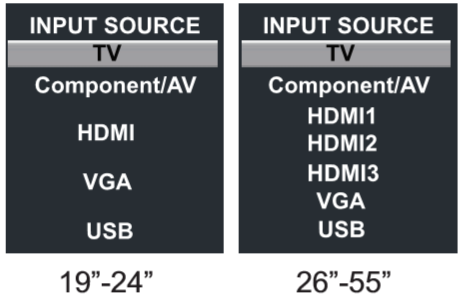
Click on the link below to follow the Channel Scan instructions
Connection Type 2:
TV connected to a Cable box with a RCA cord
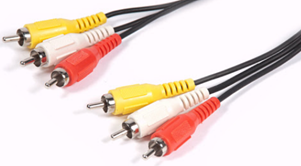
STEP 1: Press the SOURCE button on the TV Remote to select the SOURCE/INPUT to COMPONENT/AV and the Channels should show up on the TV Screen
Connection Type 3:
TV connected to a Cable Box with the Component wire
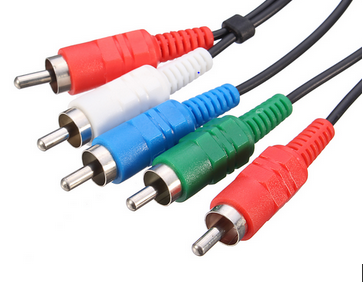
STEP 1: Press the SOURCE button on the TV Remote to select the SOURCE/INPUT to COMPONENT/AV and the Channels should show up on the TV Screen
Connection Type 4:
TV connected to cable box with a HDMI cord
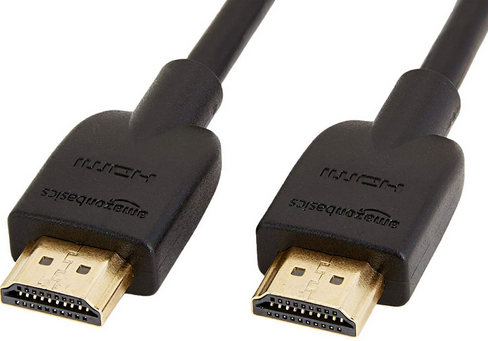
STEP 1: Press the SOURCE button on the TV Remote to select the SOURCE/INPUT to HDMI1, HDMI2, HDMI3 respectively and the Channels should show up on the TV Screen